

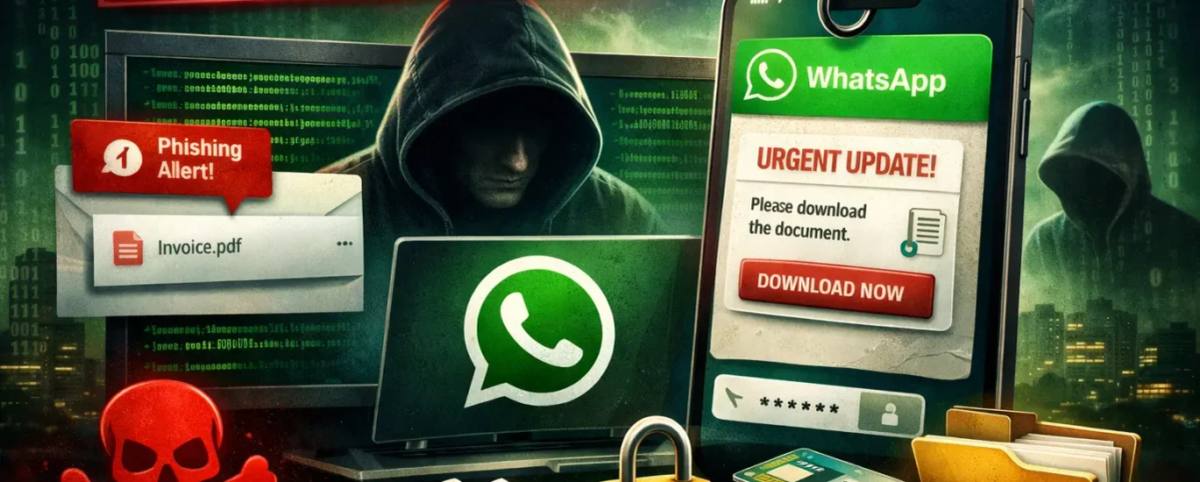
Cybercriminals are constantly developing new techniques to compromise personal devices, and one of the latest campaigns has specifically targeted
WhatsApp users through malicious VBScript files. Instead of exploiting a software vulnerability directly, attackers rely on social engineering to trick users into launching harmful scripts themselves. Once executed, these scripts silently install remote access tools that allow attackers to monitor infected computers and potentially steal sensitive information.
This article is reproduced from a global cybersecurity services and solutions provider, XEye Security.
How the Attack Works
Unlike many cyberattacks that require advanced hacking methods, this campaign depends heavily on convincing users to run a malicious VBScript file. Victims receive a carefully crafted phishing message through WhatsApp, often appearing to come from a trusted business or legitimate contact. The message usually contains an attachment that looks harmless, encouraging the recipient to open it.
If the user launches the attached VBScript file on a Windows computer, the script immediately begins executing in the background. Within seconds, it bypasses certain Windows security protections and starts downloading additional malicious components without attracting attention.
Security researchers have observed this campaign targeting users across multiple countries, including the United Kingdom, Spain, Australia, Russia, Brazil, India, Mexico, Taiwan, Vietnam, and Malaysia. Among these regions, Malaysia has reportedly experienced the highest number of attacks, although experts warn that the campaign could easily expand worldwide.
Why Attackers Use VBScript
VBScript remains attractive to cybercriminals because it can automate tasks on Windows systems while appearing relatively harmless to unsuspecting users. Once activated, the script can download additional files, modify system settings, and establish persistent access to the infected device.
The attackers behind this campaign use the script to install Remote Monitoring and Management (RMM) software. Although RMM applications are legitimate tools commonly used by IT professionals to manage computers remotely, cybercriminals abuse them to secretly control compromised systems.
Once installed, attackers may gain unauthorized access to files, monitor user activity, capture sensitive information, and carry out additional malicious operations without the victim realizing their computer has been compromised.
A Multi-Stage Phishing Campaign
Researchers describe this attack as a multi-stage phishing operation rather than a simple malware download.
The first VBScript executed by the victim downloads two additional scripts. One modifies User Account Control (UAC) settings to reduce Windows security protections, making the system easier to exploit. The second downloads and installs the Remote Monitoring and Management software, giving attackers remote access to the compromised device.
Investigators also discovered that several VBScript samples contain metadata closely resembling legitimate Microsoft components. In addition, many internal comments within the scripts were written in Mandarin, providing clues that may help researchers analyze the campaign further.
Why Desktop Users Face Greater Risk
This attack mainly targets people using WhatsApp on Windows through the desktop application or a web browser. Since the malicious attachment is executed directly on the computer, mobile devices are generally not affected by this specific VBScript technique.
Users unfamiliar with file extensions or phishing tactics are especially vulnerable. Many victims unknowingly trust attachments because they appear to come from recognizable businesses or contacts. Once the file is opened, the malicious activity begins almost instantly.
Go deeper on GCC & Africa tech — $9.99/month.
Deep dives and investor insights the free digest doesn't cover.
How to Protect Yourself
Although phishing attacks continue to evolve, following good cybersecurity practices can significantly reduce your risk.
1. Never open attachments or click links from unexpected WhatsApp messages unless you have verified the sender.
2. Confirm suspicious requests directly with the company or individual before downloading any files.
3. Keep your Windows operating system and security software fully updated.
4. Enable two-factor authentication (2FA) on WhatsApp, email accounts, banking services, and other important accounts.
5. Avoid sharing personal information publicly on social media platforms.
6. Use strong, unique passwords for every online account.
7. Consider using a trusted VPN when accessing sensitive accounts over public Wi-Fi networks.
8. Keep your phone number private whenever possible to reduce unwanted targeting.
9. Regularly review the privacy settings on your social media accounts.
10. Stay informed about the latest phishing techniques so you can recognize suspicious messages before they become a threat.
Final Thoughts
Cybercriminals are increasingly relying on human error instead of technical vulnerabilities. This VBScript-based campaign demonstrates how a single click on a seemingly harmless attachment can give attackers extensive control over a Windows computer.
The best defense is a combination of awareness and good security habits. By verifying unexpected messages, avoiding suspicious attachments, enabling two-factor authentication, and keeping your devices updated, you can greatly reduce the chances of becoming a victim of phishing attacks like this one.
Staying alert remains one of the most effective ways to protect your personal information and digital privacy.
This post was a guest submission by: Mostafa Ahmad
Reach out via info@XEyecs.com or LinkedIn
Engagement